
Sub-Total: $0.00
Troubleshooting & Tips
Need a hand getting started? You’re in the right place. Here’s a quick and easy guide to help you set up, recharge, and get the most out of your Claim luggage tag.
Getting Started:
Step-by-Step
Download the Claim App
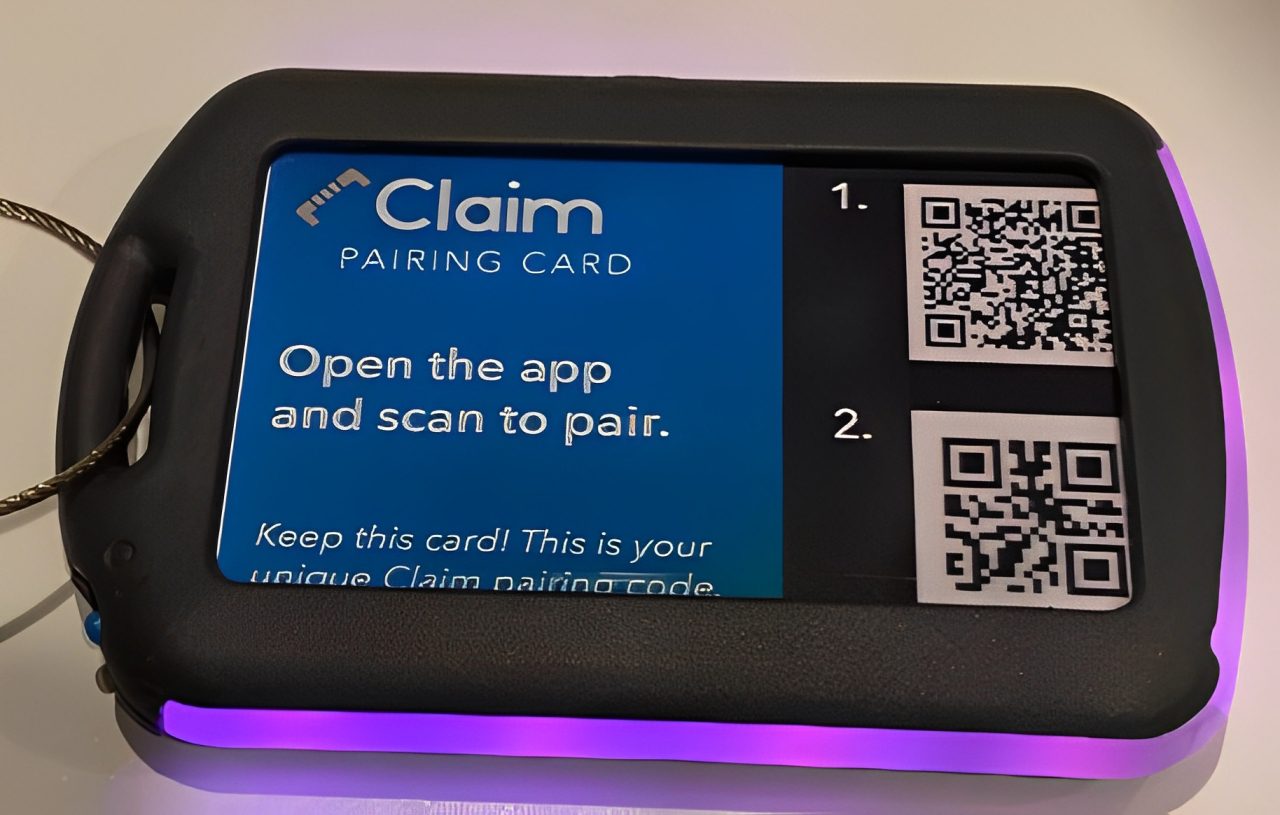
Use your phone’s camera to scan the QR code labeled “1.” on the QR Pairing Card or the single QR code on the packaging insert.
Pair Your Tag
Once the app is downloaded, scan the “2.” QR code on the QR Pairing Card with your phone’s camera to link your tag.
Power On Your Tag
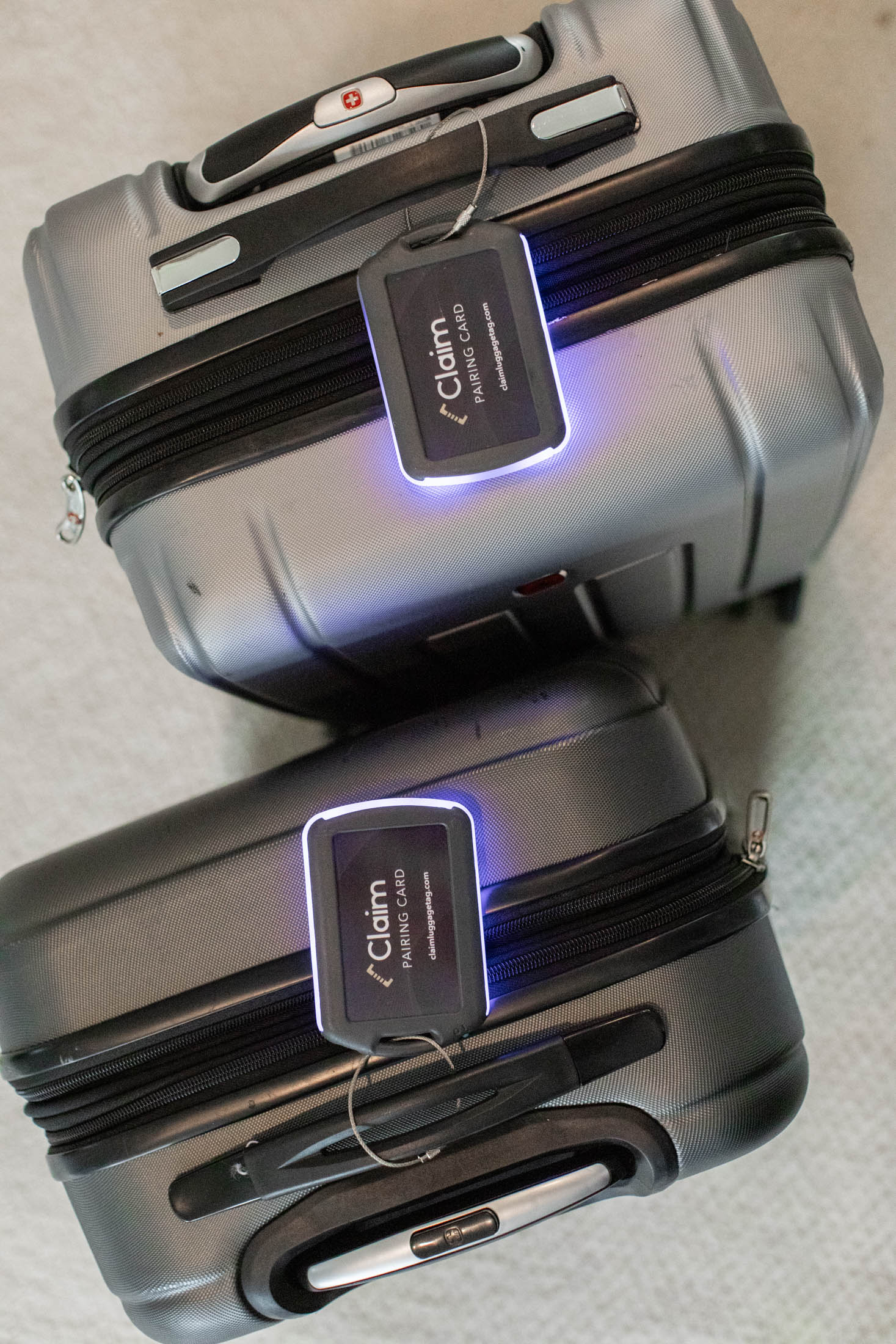
Slide the power switch to the “I” position to turn on your Claim tag. You’ll see the LEDs flash three (3) times, confirming it’s powered on.
Activate LEDs
Open the Claim app and tap “FLASH” to activate your LED light.
Choose your preferred color for easy bag identification at baggage claim.
Charging Your Tag
- Use a micro USB-C charging cable to recharge your Claim tag.
(Cable not included, but available upon request.) - Switch OFF your tag by sliding to the “0” position before charging.
While charging, a red LED will glow. Charging is complete when the LED turns green. - A full charge takes less than 3 hours and powers your tag for up to 30 days.
- For best battery life, keep the switch in the “0” position when not in use.
- 🔌 Tip: USB-C cords are commonly used for smartphones—reuse one you already have to reduce waste!
Sharing Your Tag
- Want to let a friend or family member use Claim?
- Have them download the Claim app on their device.
- Share your QR Pairing Card with them so they can connect to the tag.
Swapping the Card Insert
- Personalize your Claim tag by inserting a business card or flipping the QR Pairing Card to display the Claim logo.
- Important: Hold on to your original QR Pairing Card. Each Claim tag is linked to a unique code, and you’ll need this card to pair the tag.
FCC Compliance
This device complies with Part 15 of the FCC Rules. Operation is subject to two conditions:
- This device may not cause harmful interference.
- This device must accept any interference received, including interference that may cause undesired operation.
- The device has been tested and complies with limits for a Class B digital device, designed to offer reasonable protection in residential environments.
- If interference does occur, try:
Reorienting or relocating nearby antennas
Increasing the distance between this device and the receiver
FAA Travel Compliance
- Claim uses a lithium-ion polymer battery with a capacity under 20 watt hours (Wh).
- This meets FAA regulations and is safe for carry-on and checked luggage.
Still Need Help?
We’re here for you. If you're running into trouble or have questions, contact our support team anytime.